01
Say the reminder naturally.
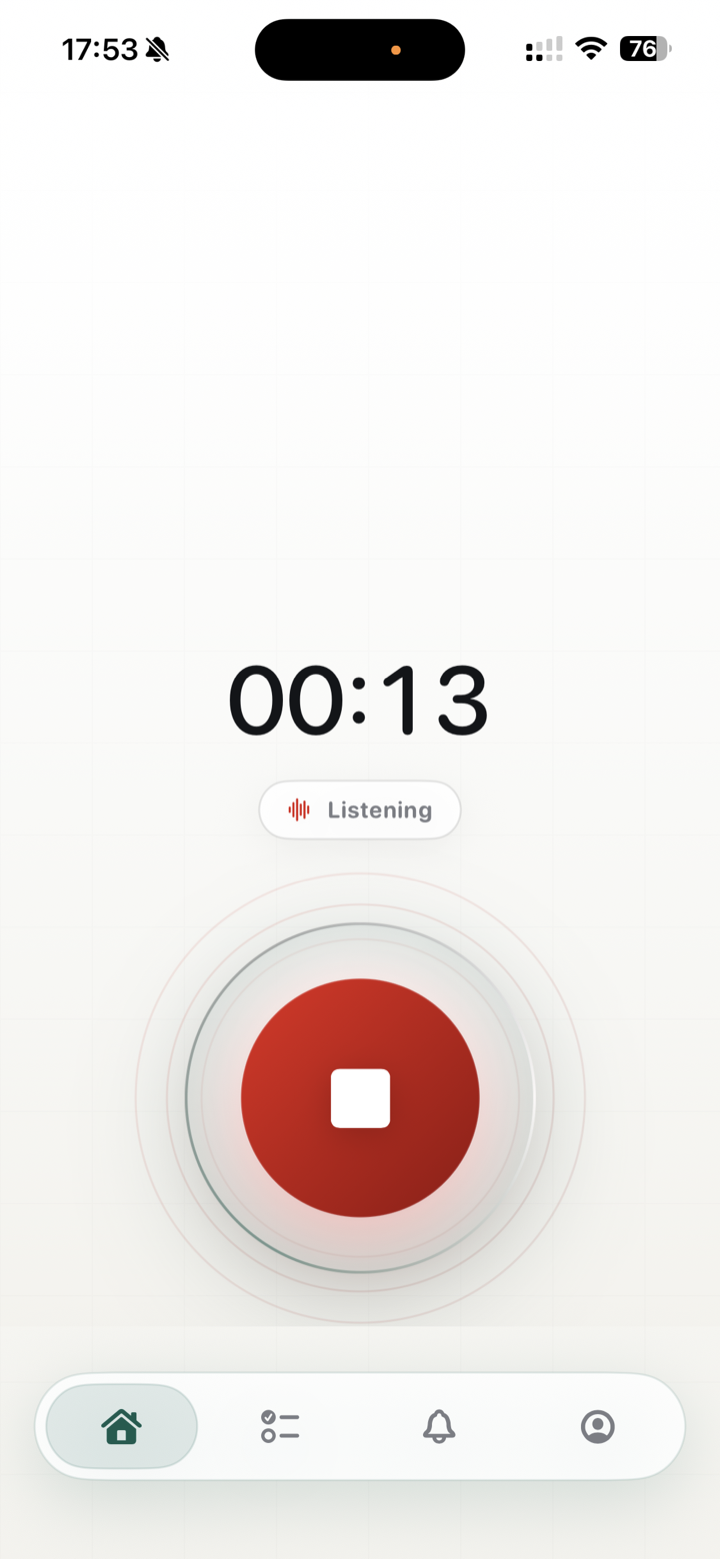
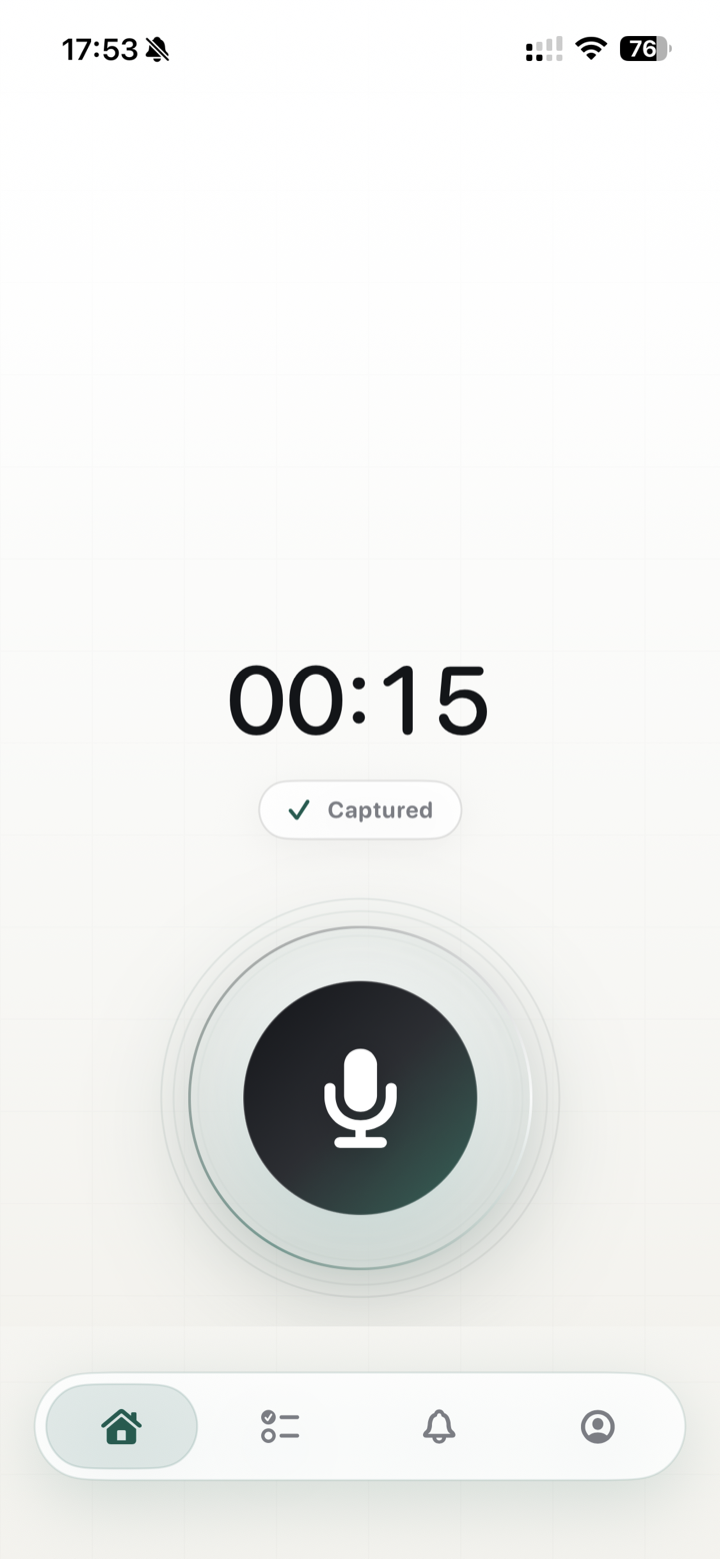
Open the mic, speak for a few seconds, and the app marks the thought as captured. No forms, date pickers, or list setup first.
Pre-launch iPhone waitlist
Tap the mic, say what you need in normal language, and LetMeKnow turns it into a reminder you can trust. It confirms the details, adds it to your list, and notifies you when the moment arrives.
Actual workflow
These screens show the app doing the full job: recording a reminder, confirming the AI result, listing the scheduled item, and delivering the iOS notification.
Open the mic, speak for a few seconds, and the app marks the thought as captured. No forms, date pickers, or list setup first.
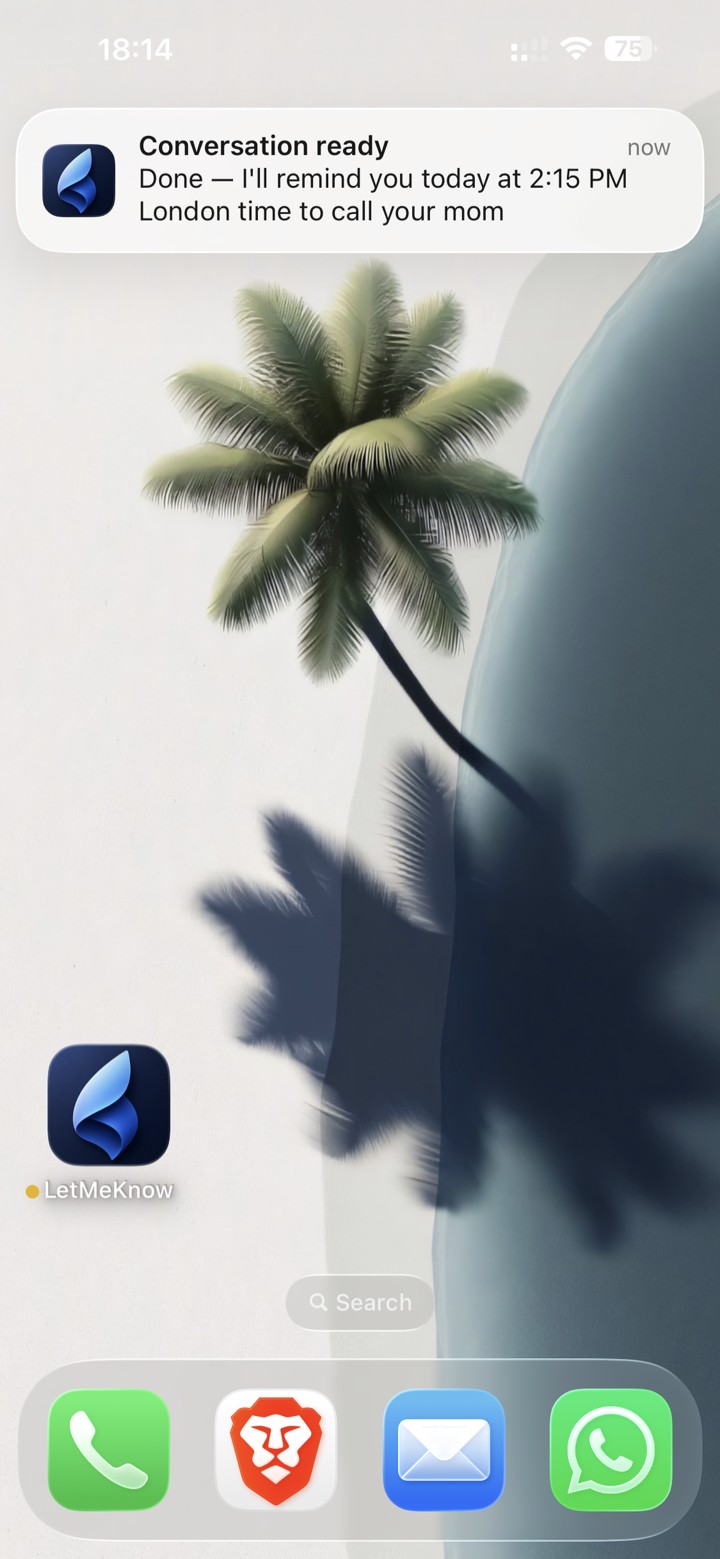
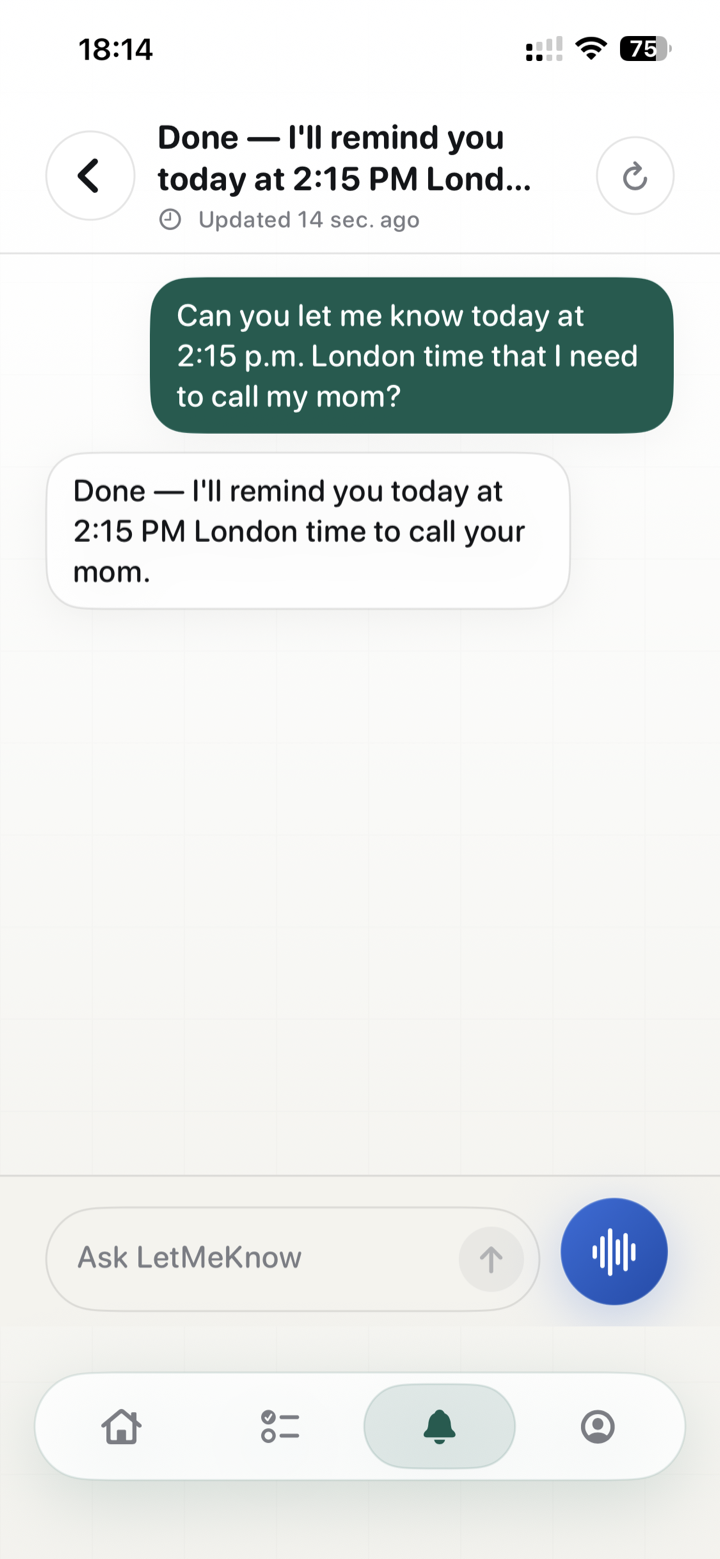
The conversation view shows exactly what you asked for and what the AI understood, including timing details like 2:15 PM London time.
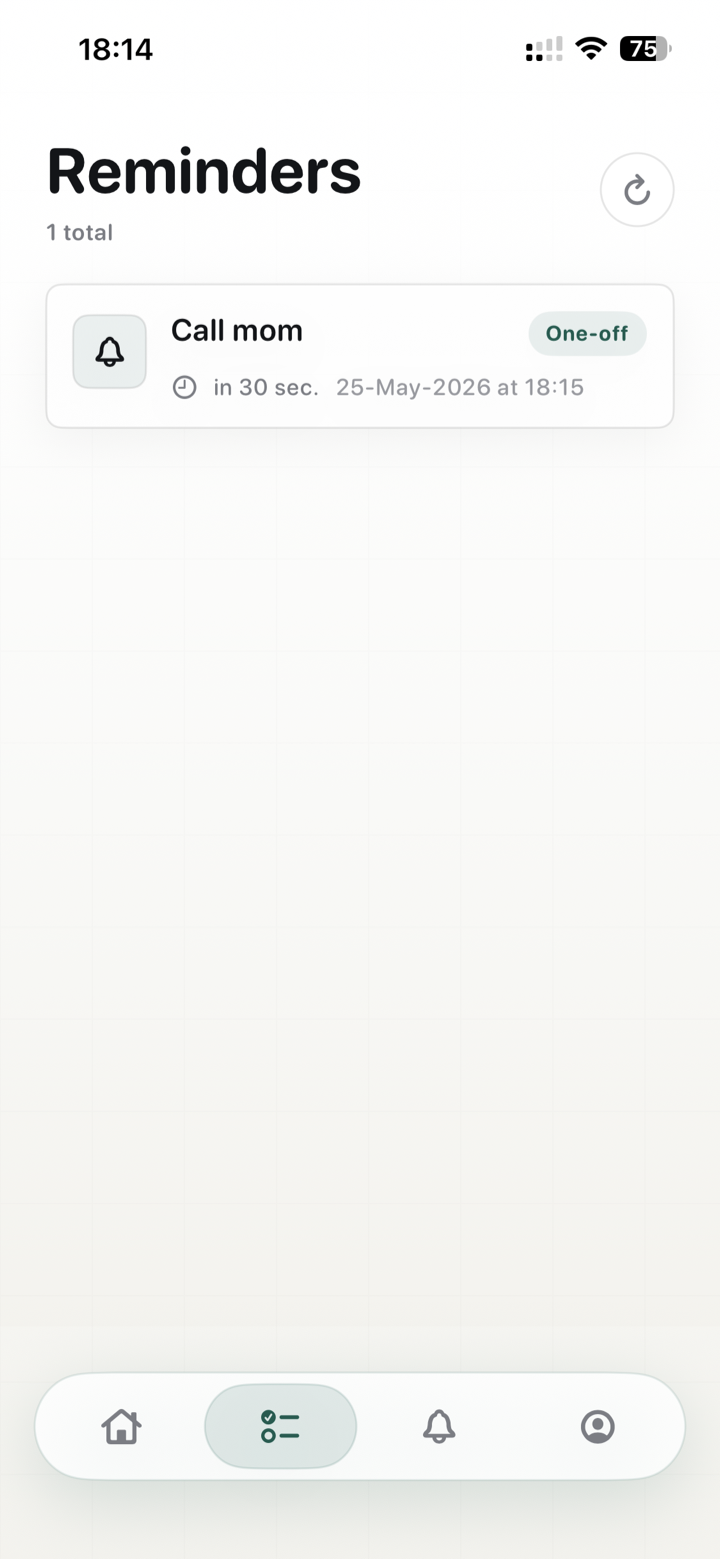
The reminder lands in a focused list with the task, due time, calendar date, and whether it is a one-off reminder.
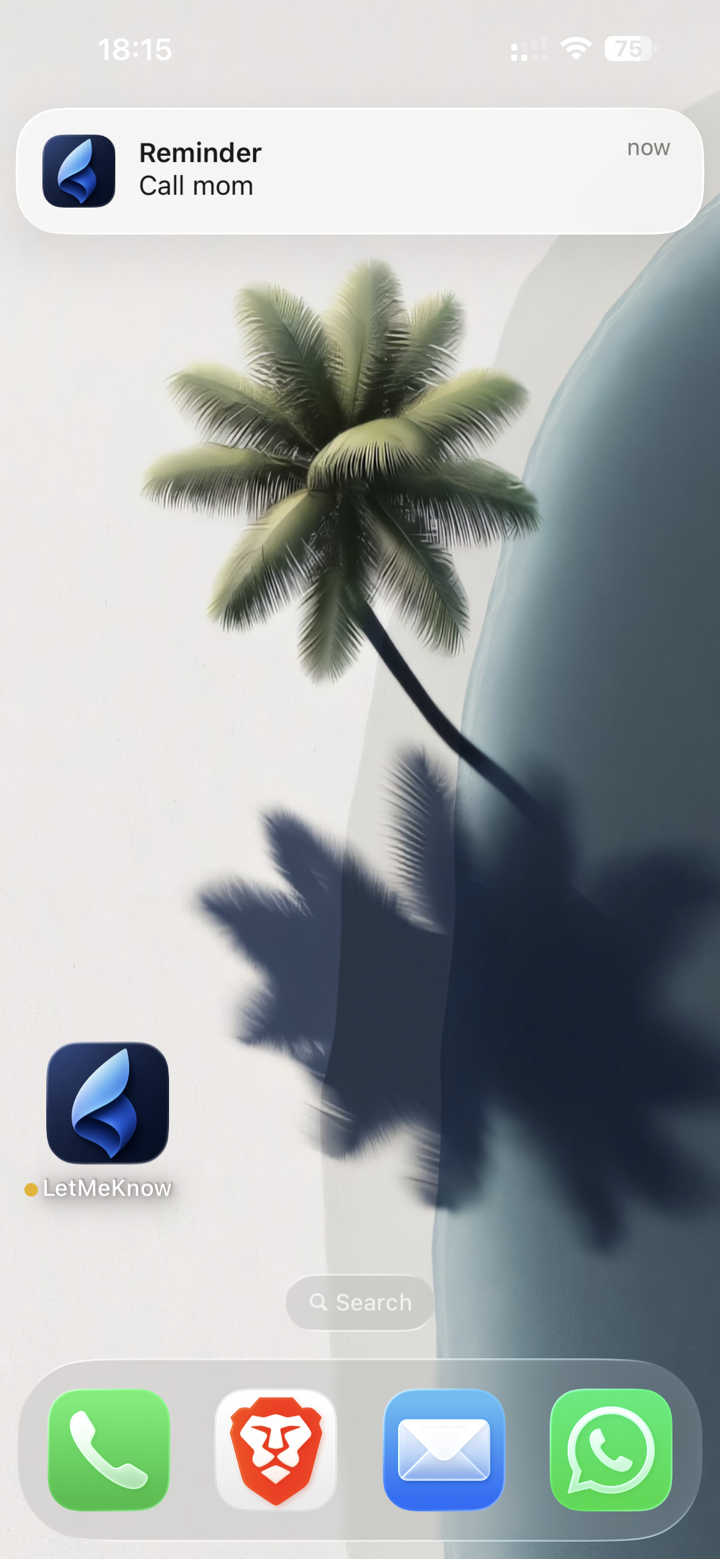
When the moment arrives, the notification appears on the lock screen like any reminder should.
Core behavior
LetMeKnow is not generic productivity software. It understands a human reminder sentence, gives a clear confirmation, and follows through with the notification.
You can say, 'Can you let me know today at 2:15 PM London time that I need to call my mom?' and the app keeps the useful parts.
The core loop is intentionally narrow: capture, confirm, list, notify. It does not make you organize before it helps.
The confirmation message repeats the task and timing in plain language before you move on.
Real screens
Every screen is doing a specific job: sign in, capture, confirm, or notify. The page should make that obvious at a glance.
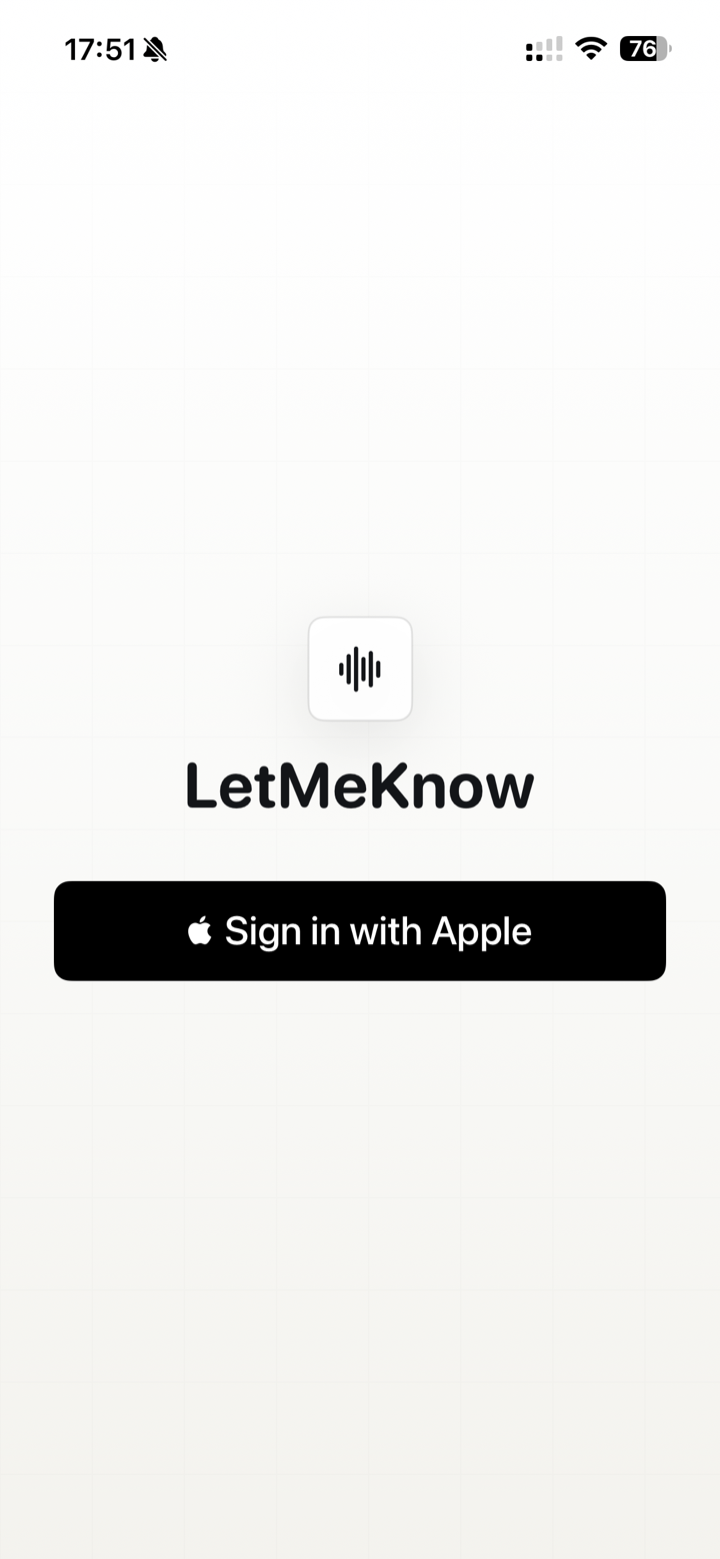
Start
A short, iPhone-native entry point before you start capturing reminders.
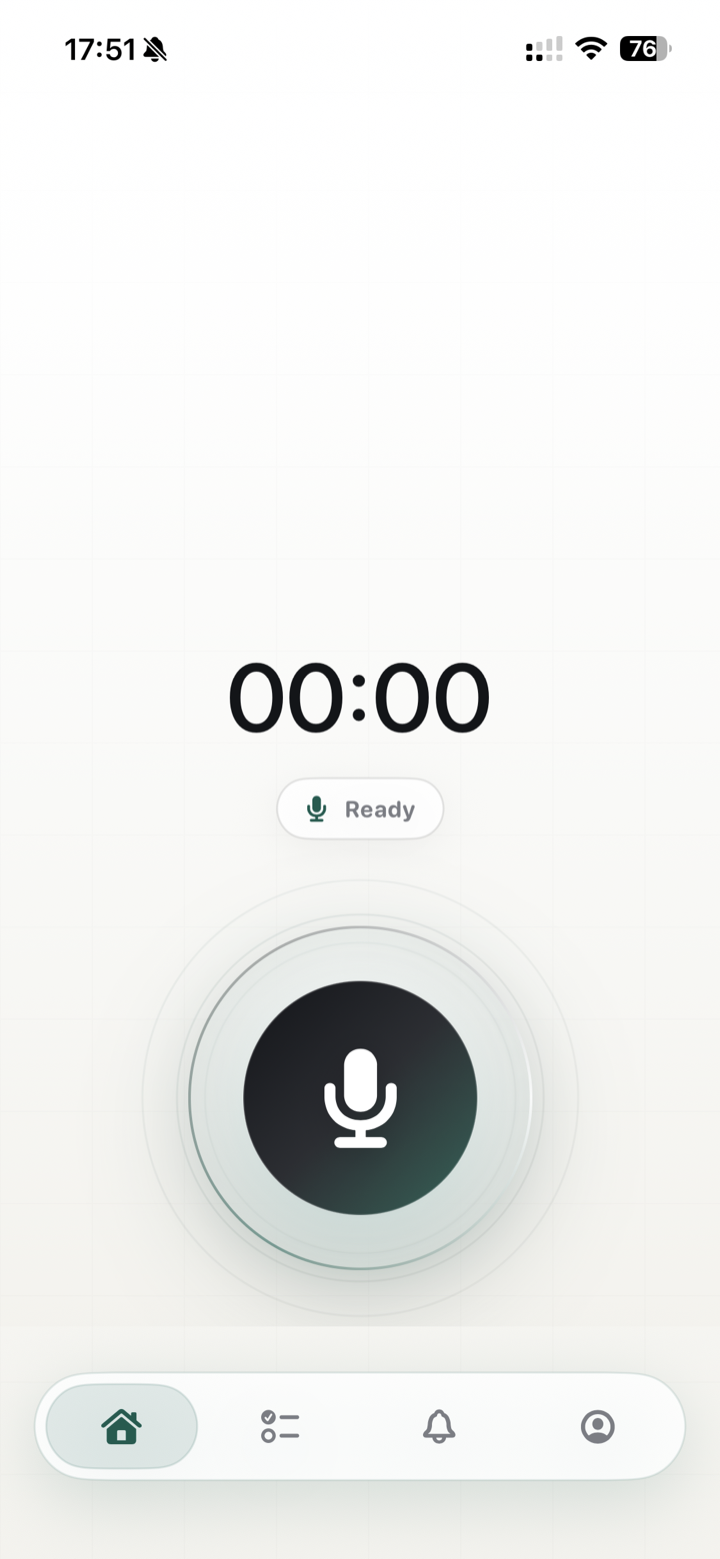
Ready
The home screen is built around one thing: capture the reminder while it is still in your head.
Captured
A captured state tells you the note is safely on its way to being understood.
Ready
LetMeKnow can notify you when the AI has finished turning your voice note into a usable reminder.
Privacy notes
Reminder apps can contain personal details. LetMeKnow processes voice notes in memory and does not store them. Voice notes may only be stored by AI providers for up to 30 days for abuse monitoring, service, and security purposes.
Pre-launch access
Join for launch updates and early access. LetMeKnow will be a paid iPhone app with a 1 week free trial.
FAQ
Clear answers about launch status, pricing, cloud AI processing, and voice note retention.
LetMeKnow is in pre-launch. Join the waitlist and we will let you know when early access or the App Store release is ready.
It turns your spoken reminder into a clean reminder request: the task, the due time, the date, and context like the time zone when you say it.
LetMeKnow is planned as a paid iPhone app with a 1 week free trial, so you can try the voice-first reminder flow before paying.
Apple Reminders is useful once the reminder is already structured. LetMeKnow focuses on the moment before that: quick voice capture, AI cleanup, confirmation, and then the reminder notification.
Voice transcription and AI parsing happen in the cloud with AI providers. LetMeKnow sends voice notes for processing, handles the result in memory, and does not store the voice notes itself.
LetMeKnow does not store voice notes. They may only be stored by AI providers for up to 30 days for abuse monitoring, service, and security purposes.
LetMeKnow is designed for iPhone first. Final iOS version requirements will be announced before launch.
Join the pre-launch waitlist for LetMeKnow on iPhone.
Try LetMeKnow
1 week free trial at launch